Turn your Steam inventory into a CS2 showcase traders can browse.
Paste your Steam ID or profile link. VSkin builds your showcase from your public Steam inventory, the same items anyone can already see on your Steam profile.
Claim your showcase and run it your way
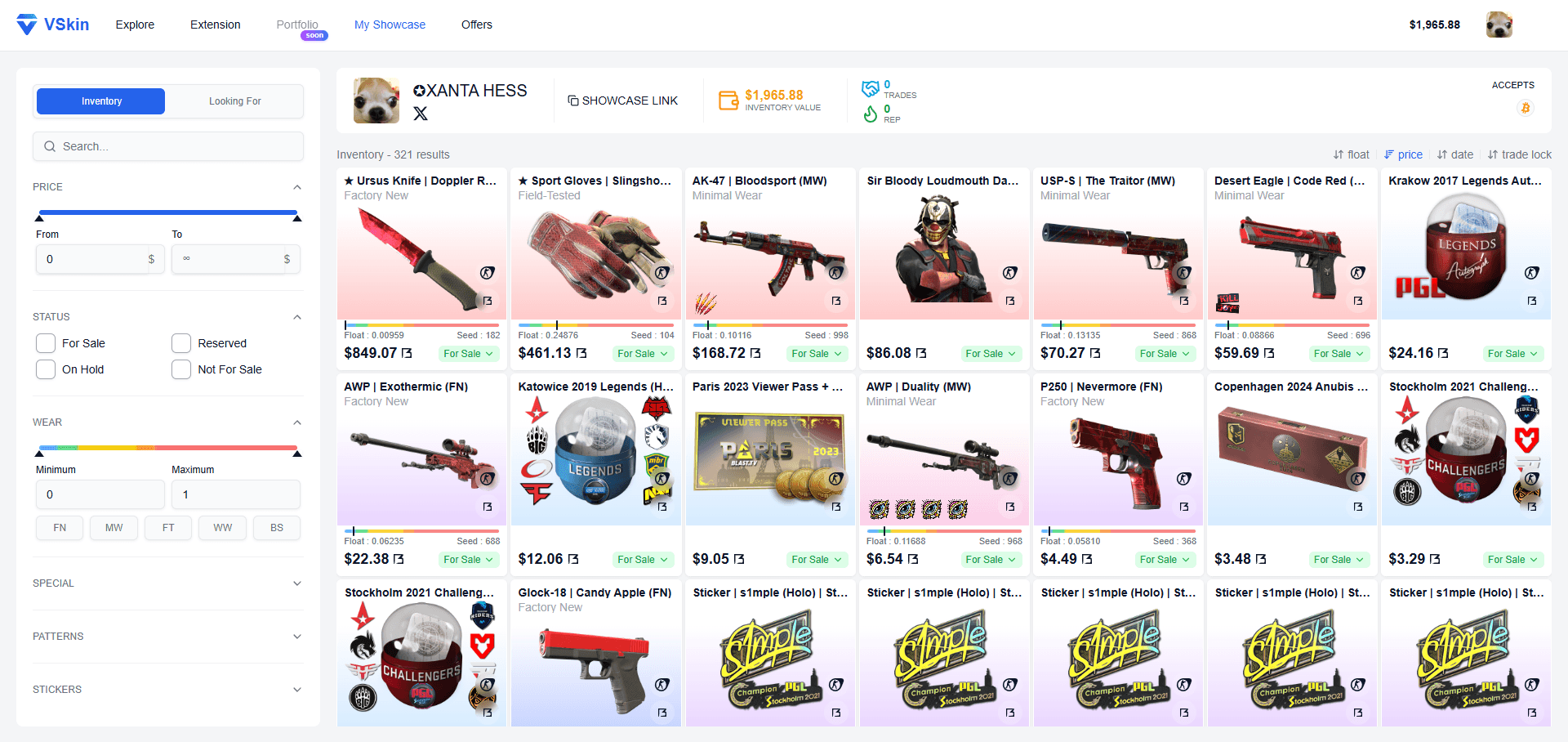
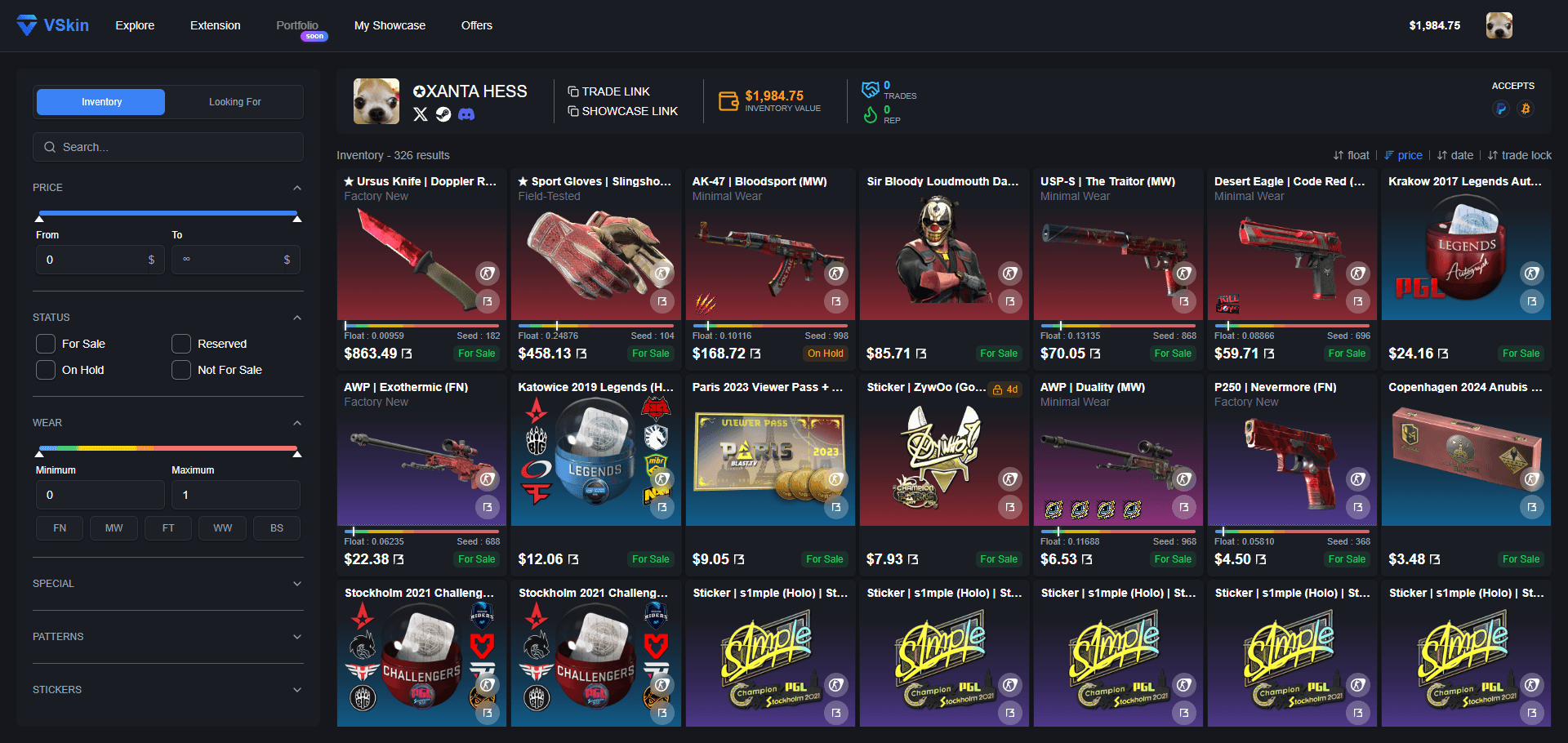
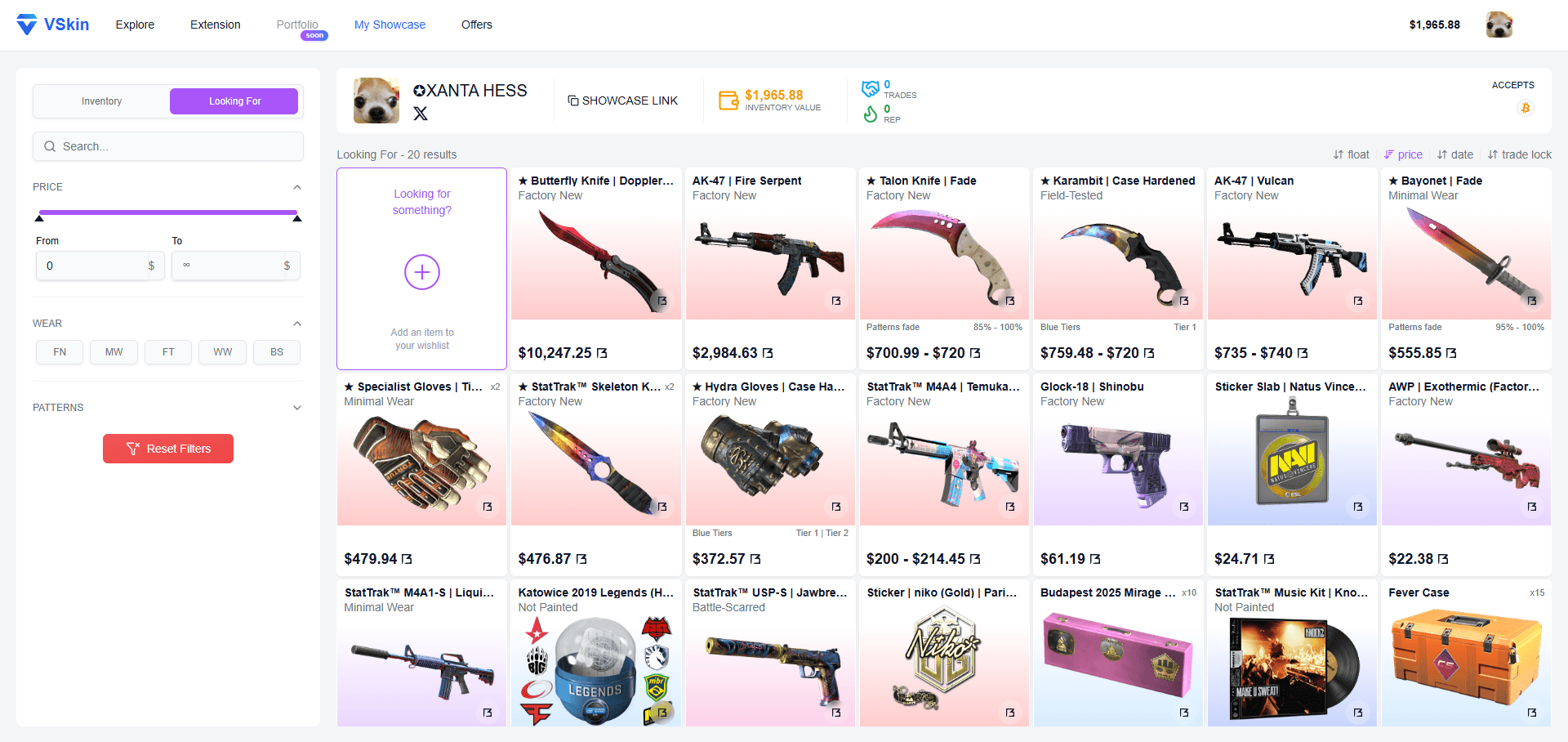
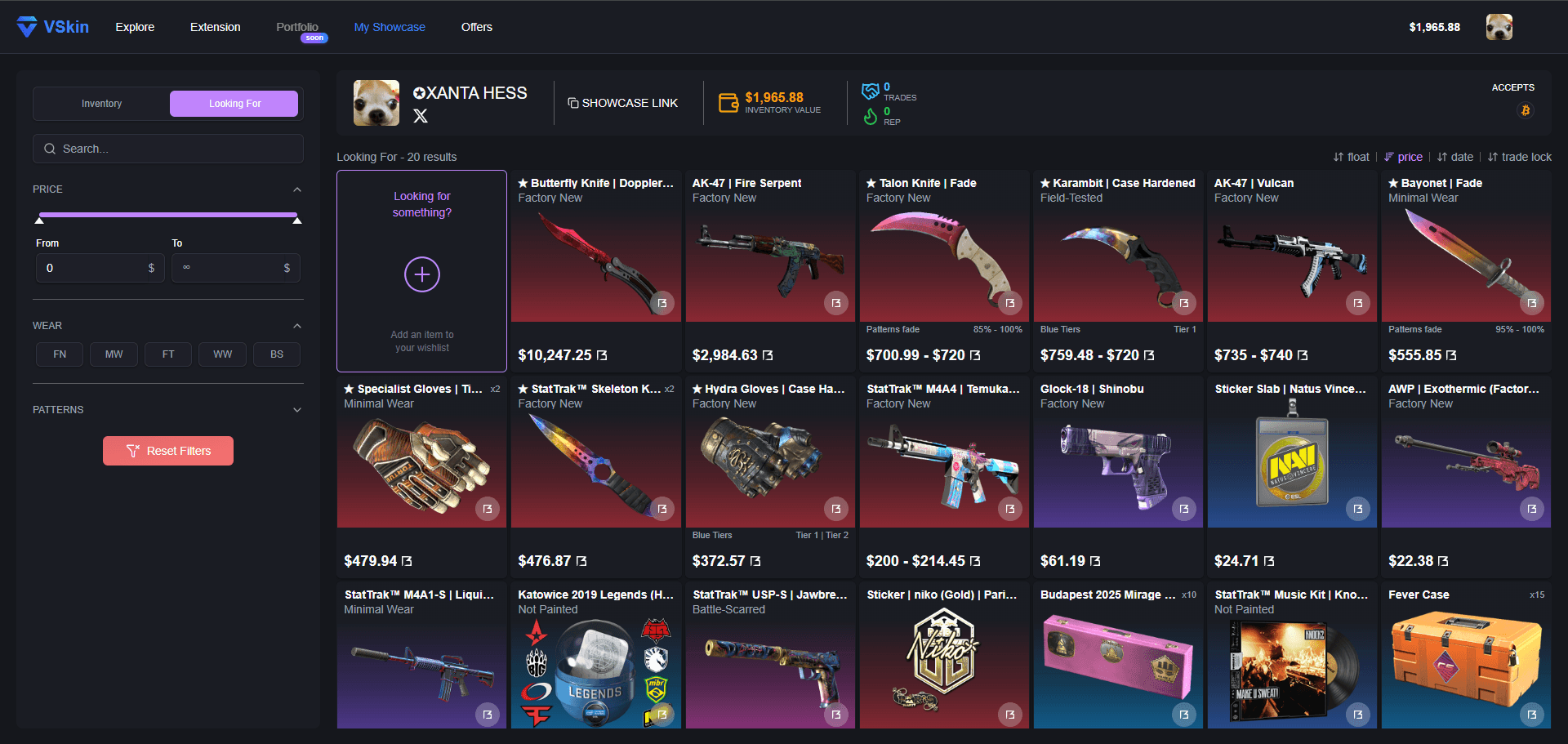
Every trader gets a public page split in two. One side lists their entire Steam inventory, each item tagged For Sale, Reserved or On Hold. The other side displays the skins they are looking for, described through VSkin's advanced filters so matching offers stand out instantly. Sign in to claim yours and set every tag, then add the extension to bring in your trade-locked skins, which is the only way they can appear.
Inspect every skin in 3D
Inspect any supported weapon, knife or glove at its real float value and paint seed, with the item's real stickers and charms. Every skin is checked in our render studio before it goes live, and it all runs in your browser with nothing to install.
Real float and pattern
The render uses the item's actual float and paint seed, so the wear and pattern match the real skin instead of a generic sample.
Real stickers and charms
Stickers and charms applied to the item appear in the render, in their real positions, exactly as they sit on the skin.
See trade-locked skins
A trade-locked skin you do not own is impossible to inspect in-game, but VSkin still renders it in 3D so you can see it in full.
No game, no download
Everything runs in the browser. No CS2, no Steam client and no extra software needed to view a skin.
Search the catalog and open any skin in 3D
How it works
One platform, two sides of the same trade, whether you are listing skins or hunting for them.
If you're listing items
Install & sync
Install the VSkin extension. Your full Steam inventory, including trade-locked items, syncs to your showcase the moment you visit vskin.gg, or anytime from the popup.
Add wanted items
Build a public wantlist that describes exactly what you are looking for, using VSkin's advanced filter system made for CS2 collectors. Other traders can match it against their own inventory in a single click.
Get discovered
Buyers and matchers can now find your items and your wantlist, then reach out through the contact methods you chose to display on your profile.
If you're looking for skins
Search
Start from the search bar and dig deeper with VSkin's advanced filters, built to pinpoint exactly the skin you have in mind.
Browse
Open a trader's showcase to see their full inventory at a glance, along with their accepted payment methods and the social links they use to trade.
Contact
Reach the trader through the social links shown on their profile. The trade itself happens wherever you both prefer, fully outside VSkin.
One click. Your full inventory, on display.
Open the VSkin extension popup and click Sync Inventory. In seconds, your full Steam inventory, including skins still trade-locked, appears on your public showcase ready to be discovered.
- Hands-off syncYour showcase stays fresh: a sync runs automatically when you arrive on vskin.gg, and again once one of your VSkin offers is completed. You can also trigger one manually from the popup.
- Read-onlyThe extension only reads your public inventory. It cannot trade, move or alter any item.
- No API key, no credentialsWe never see your Steam password or API token.
- Open sourceInspect the code on GitHub - every line is auditable.
Your inventory stays yours
VSkin is a catalog and a discovery tool. We don't custody your items, we don't initiate trades, and we don't store your credentials.
No trade access
We cannot and will never initiate trades on your behalf.
No API key needed
We use Steam's public inventory endpoint. Nothing to configure, nothing to leak.
Read-only
The extension only reads your public inventory. It cannot write or modify anything.
Login via Steam
Authenticate via official Steam OpenID. We never see your password.
Join the community
Have questions, feedback or suggestions? Come talk to us.