VSkin Extension
Sync your CS2 inventory with VSkin directly from the browser toolbar to showcase all your skins, including trade-locked items.
Why use this extension?
Access your trade-locked skins
Trade-locked skins in CS2 are only visible to their owner on Steam. The extension bridges this gap by syncing your full inventory with VSkin.
When you receive a new CS2 skin through a trade or a purchase, it is often trade-locked for a period of time. During this period, the skin details are only visible to you on your Steam inventory page.
The VSkin extension fetches your inventory straight from Steam using your own signed-in session, then sends the item data to VSkin so your showcase can display every skin, including the trade-locked ones that are otherwise invisible to others. It adds nothing to Steam pages and never reads them.
Sync happens automatically when you arrive on vskin.gg with a valid Steam session, and again once one of your VSkin offers is completed. You can also trigger a manual sync anytime from the popup.
How to install and use?
Install the extension
Go to the VSkin extension page on the Chrome Web Store
Add to Chrome
Click the "Add to Chrome" button and confirm the installation in the popup.

Log in to Steam
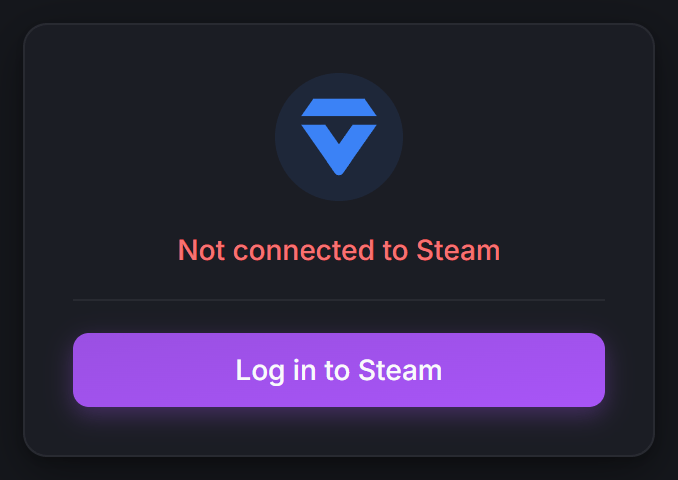
Make sure you are logged in to steamcommunity.com. The extension checks your login status automatically.
Sync automatically, or from the popup
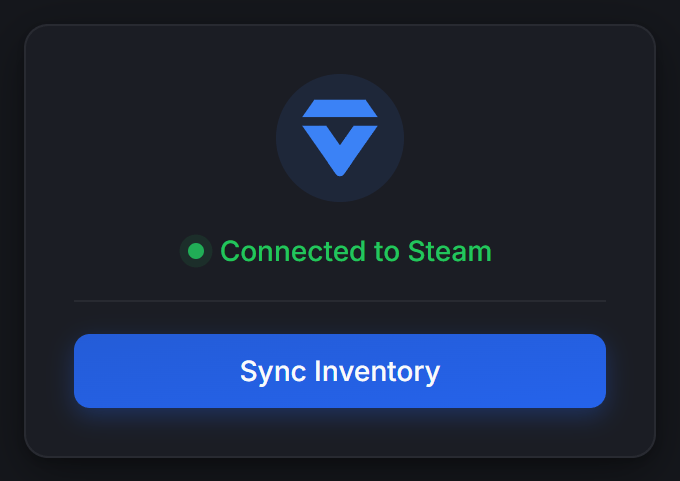
Once installed, the extension syncs automatically when you visit vskin.gg. You can also force a sync anytime by clicking the VSkin icon in your toolbar and hitting "Sync Inventory".
Open source
Inspect every line of code
The VSkin extension is fully open source. The complete source code is available on GitHub so you can audit every line.